Your First Image: A No-Stress Intro to AI Generation on Yamete
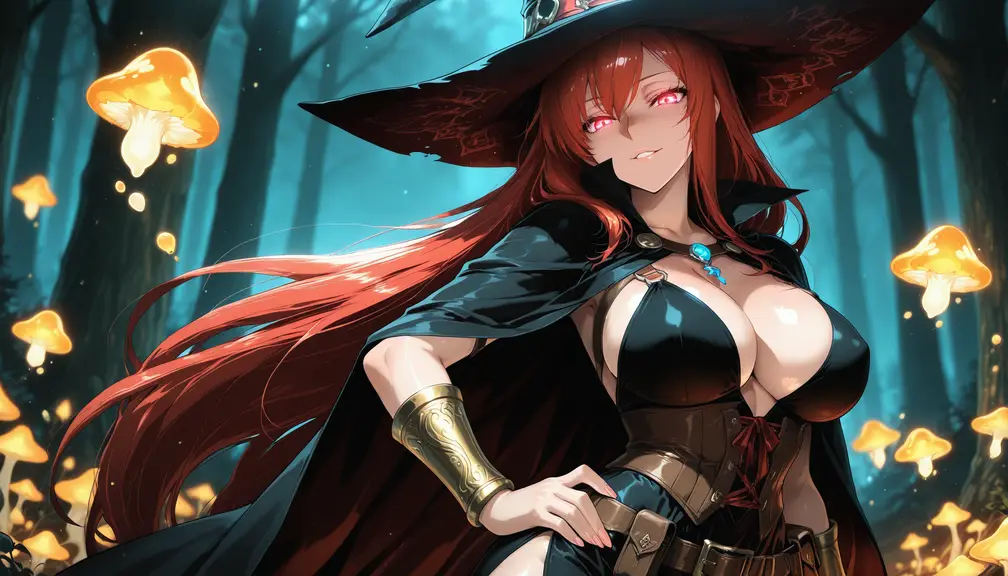 Kryme
Kryme
So you want to make images with AI. Cool. You're in the right place, and honestly, it's way less complicated than the internet makes it sound.
This little series is here to walk you through the whole thing — from typing your very first prompt to squeezing every drop of quality out of the tools. No jargon dumps, no gatekeeping. Just the stuff that actually helps you make better images.
Let's start at the beginning.
What even is this?
Under the hood, Yamete runs on ComfyUI — a technology that builds images out of refined noise. That sounds abstract, and we'll get into the fun details later, but here's the only thing you need to know right now:
You describe what you want. The AI paints it.
Your prompt works as both an instruction and a suggestion. Give it the right mix of detail and freedom and you'll get results that actually match the picture in your head. Give it a wall of contradictory tags and... well, you'll learn. We all did.
The good news: getting a decent image on your first try is genuinely easy. Getting a great one is a skill — and skills are learnable. That's what the rest of these articles are for.
What you're allowed to make
Short version: almost anything.
Yamete is heavily NSFW-oriented and pretty open about it. Everything is fair game except the forbidden content spelled out in our Terms of Service. That includes hard no-gos like anything involving minors or real, identifiable people — those get automatically stripped from prompts before they ever reach the model, so don't bother trying.
Beyond that? Go wild. To name a few that people always ask about:
- Gay
- Furry
- Futanari
All allowed. No shadow-limits, no weird filters quietly nerfing your results.
Now go make something.
